HTML vs. Mailchimp?
Which method should you use to send your email newsletters?
The quick answer:
- Use HTML for limited editing and fast sending through a CRM. Takes about 1.5 minutes.
- Use Mailchimp for significant editing (colors, add articles, move content around, etc.). Takes time. Requires some practice. You must be on a paid Mailchimp account.
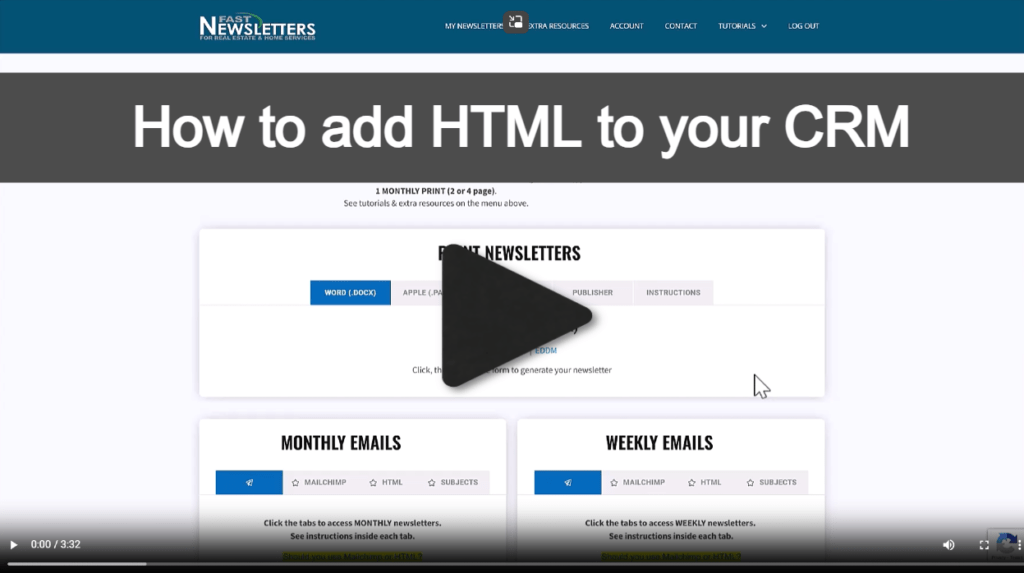
Further Explanation:
Mailchimp offers a drag and drop editor that allows you to fully customize the newsletter template. If you have a large list and want to use the full features of Mailchimp (which often aren't offered in real estate CRMs), you can integrate (link) your CRM to Mailchimp. That will pull your CRM contacts over to Mailchimp automatically and you can send your newsletters from Mailchimp. You must be on a $20 minimum paid Mailchimp account to access the drag and drop editor and use Mailchimp with our newsletters.
The HTML is ready to send through your CRM, with limited editing. NOTE that not all CRMs allow you to use the HTML. To be certain that your CRM allows HTML, send an email to your CRM support and ask if you can paste an entire 3rd-party HTML newsletter into their email window.